
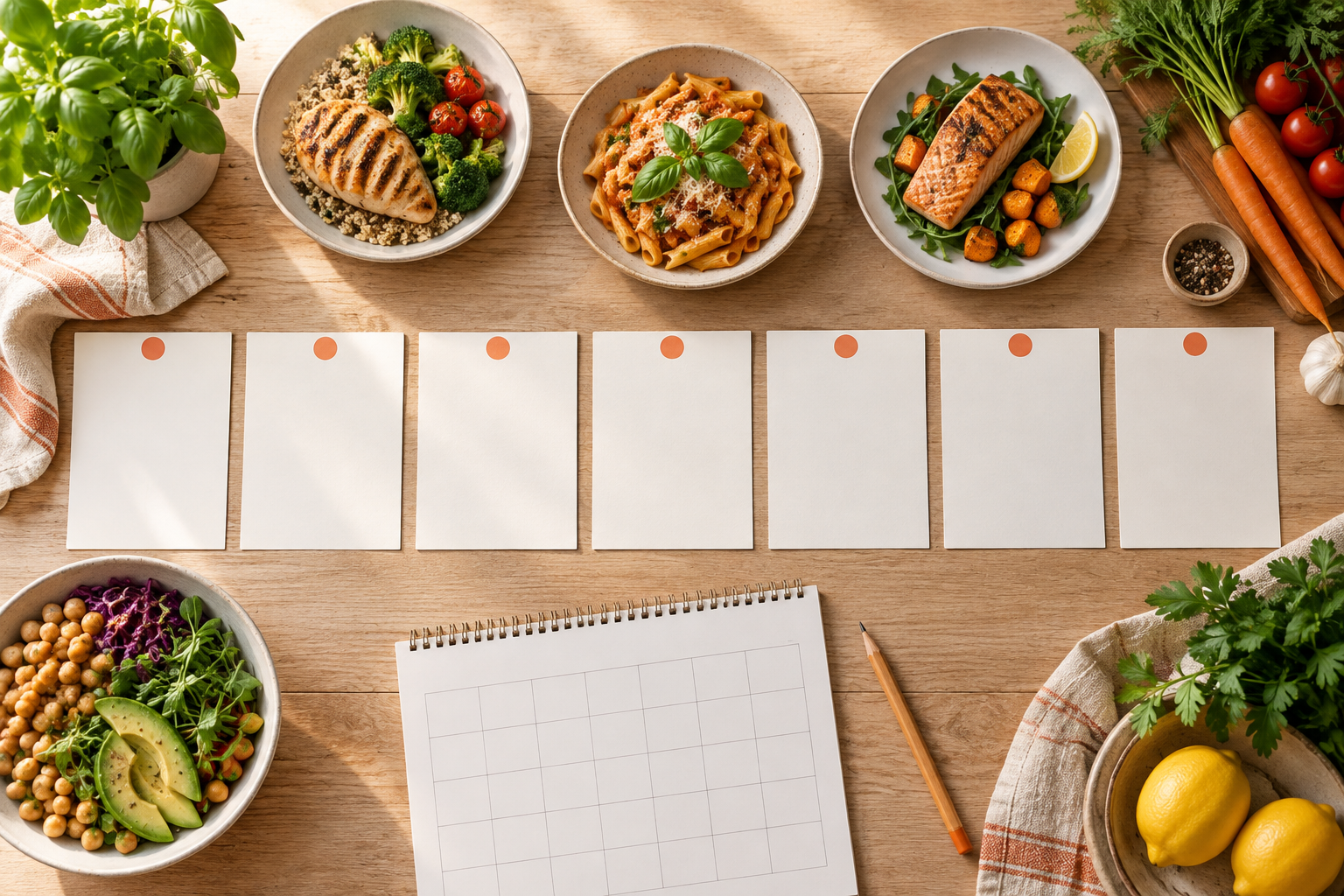
How to Make a Weekly Meal Plan
Make a practical weekly meal plan by checking your schedule and pantry, choosing realistic dinners, planning leftovers and building one grocery list.
 Sophie Bennett♥0 Likes!
A weekly meal plan does not need seven new dinners or a perfect spreadsheet. Begin with the days you know will be busy, choose meals that fit those nights, leave room for leftovers, and turn the final recipe choices into one grocery list.
1. Check the week before choosing recipes
Look for late workdays, activities, travel, and one night when cooking may not happen. Put your quickest dinners on the busiest days. Save recipes with more preparation for a day when you have time.
2. Choose a realistic number of dinners
For many households, three to five planned dinners plus leftovers or flexible nights is more useful than a rigid seven-new-recipe plan. Use the 7-Day Meal Plan Generator to organize published recipe options around your time, protein, diet, and leftover preferences.
3. Build one list after the recipes are chosen
Open each recipe and check yield and ingredients. Then use the Grocery List Generator to paste one ingredient per line, subtract foods you already have, and group the remaining items.
4. Leave room to adjust
Move a meal when the schedule changes. A meal plan is a working tool, not a rulebook. Keep a dinner idea or pantry-based option ready for the night when the plan needs to change.
FAQ
Does a meal plan have to include every meal?
No. Start with dinners if that is the decision you most want to simplify.
Does the planner calculate local food prices?
No. Budget selections are planning preferences, not local store-price calculations.