How to Make a Grocery List From Recipes
Turn several recipe ingredient lists into one organized grocery checklist by checking your pantry, grouping items and reviewing quantities before shopping.
 Sophie Bennett♥0 Likes!
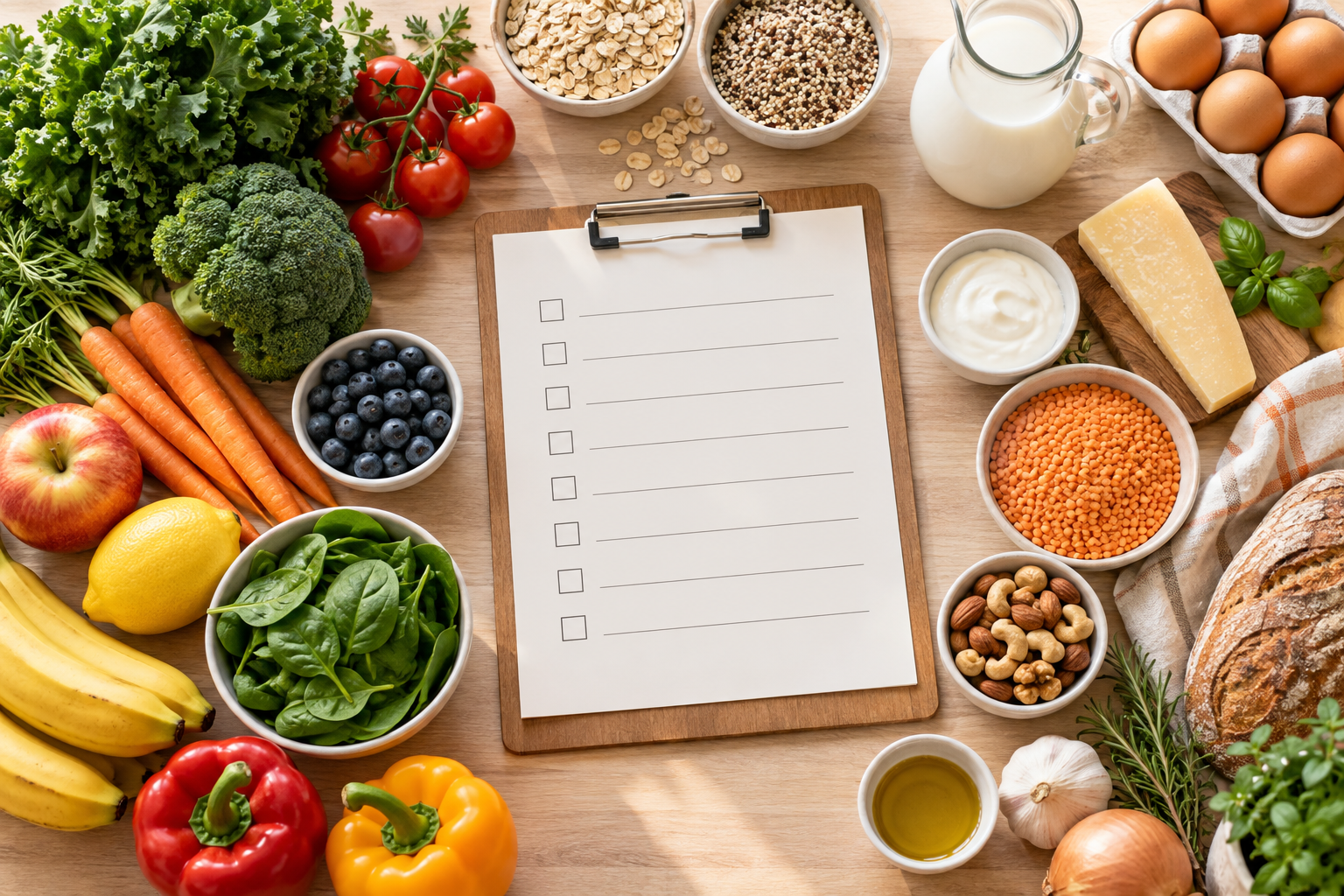
The simplest way to make a grocery list from recipes is to choose the recipes first, copy each ingredient line, check what you already own, then group the remainder into the order you shop. Review the final list yourself because ingredient wording and measurements vary.
Choose recipes before you make the list
Start with a week plan or a few dinners you know you will cook. The 7-Day Meal Plan Generator can organize the recipe choices; the full recipe pages remain the source of truth for quantities and yield.
Copy one ingredient per line
Keep quantity text in each line: 2 cups spinach, 1 pound chicken breast, or 1 onion. Then paste the lines into the Grocery List Generator. Add pantry foods you already own to remove matching items.
Review combinations manually
Tools can group recognizable foods and combine identical normalized lines, but they should not guess that different units are equivalent. Check package sizes, recipe yields, and ingredient forms before you shop.
FAQ
Can I combine several recipes into one list?
Yes. Paste the ingredient lines from each chosen recipe, then review the grouped output.
Should I remove pantry staples first?
Yes. Adding pantry items helps reduce unnecessary duplicates.